
How it works
From verified sign-up to a paid, completed job
Five steps, one app. Here's exactly what a technician does on Telecom Hire, screen by screen.
1
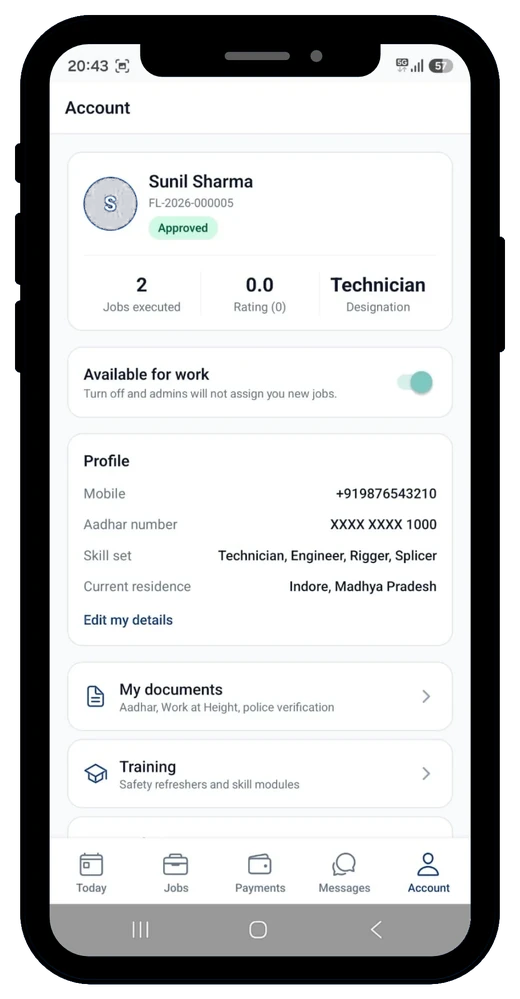
Get verified
Sign up with your mobile number, Aadhar and skill set. Once approved, you get a technician ID and an Approved badge on your profile.
2
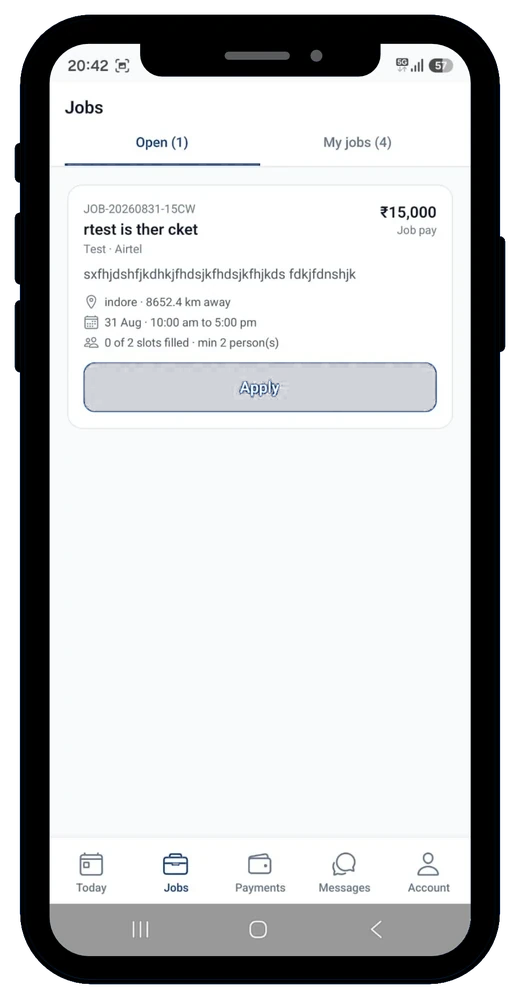
Browse & apply
See open jobs near you with pay, dates and crew size at a glance. Apply in a tap and track status under My Jobs.
3
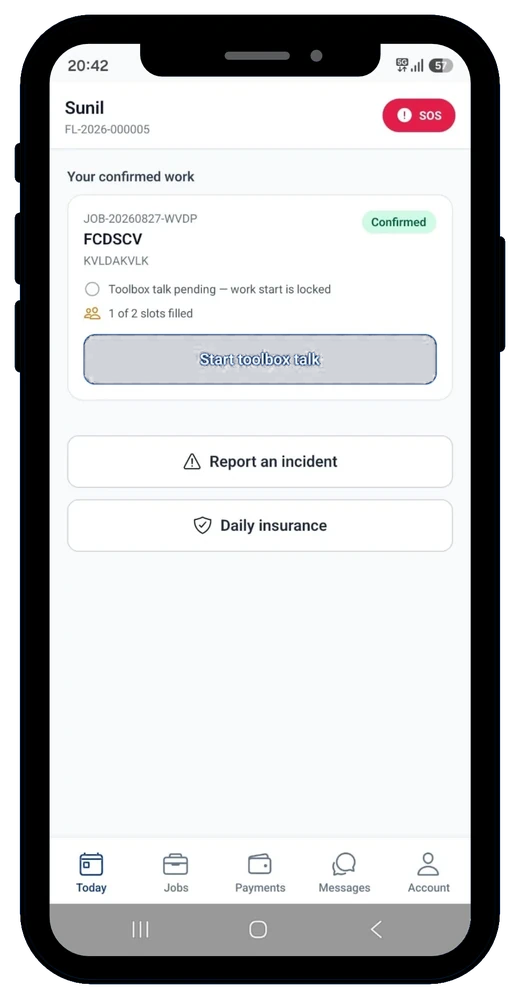
Complete the toolbox talk
On confirmed work, run through the on-site toolbox talk before the job unlocks — safety first, every time.
4
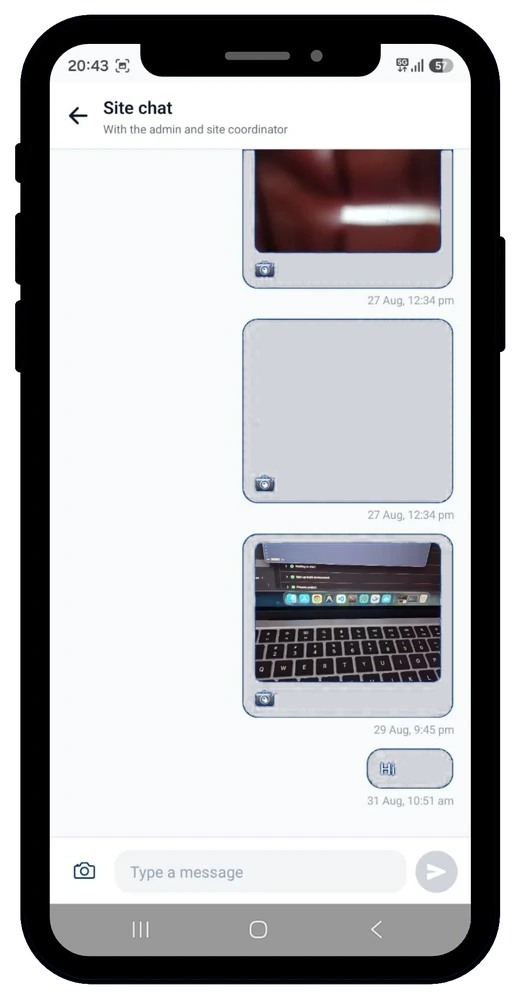
Work, message, report
Do the job, keep the site coordinator posted in one chat thread, and use SOS or incident reporting the moment something needs attention.
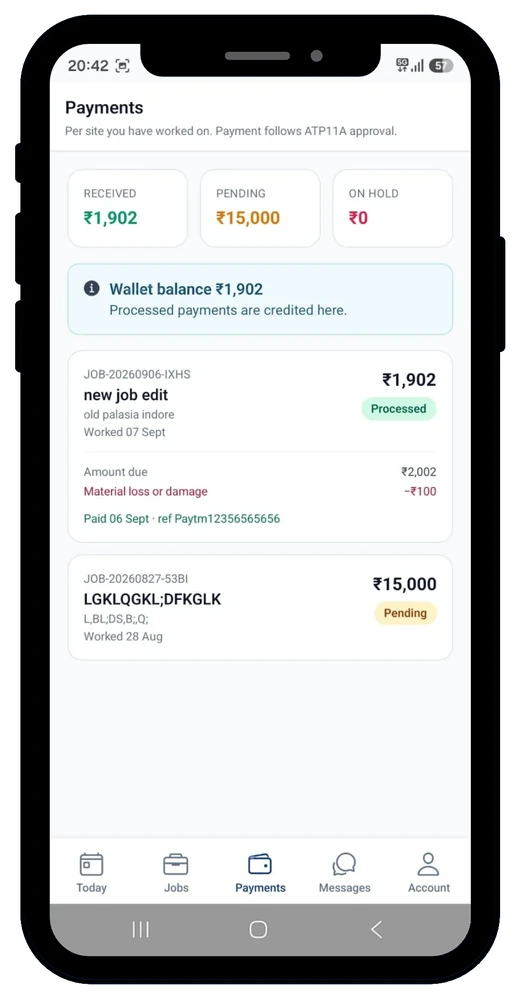
5
Get paid, on record
Payments follow the approval trail from pending to processed, land in your wallet, and stay reconciled against every site you worked.